
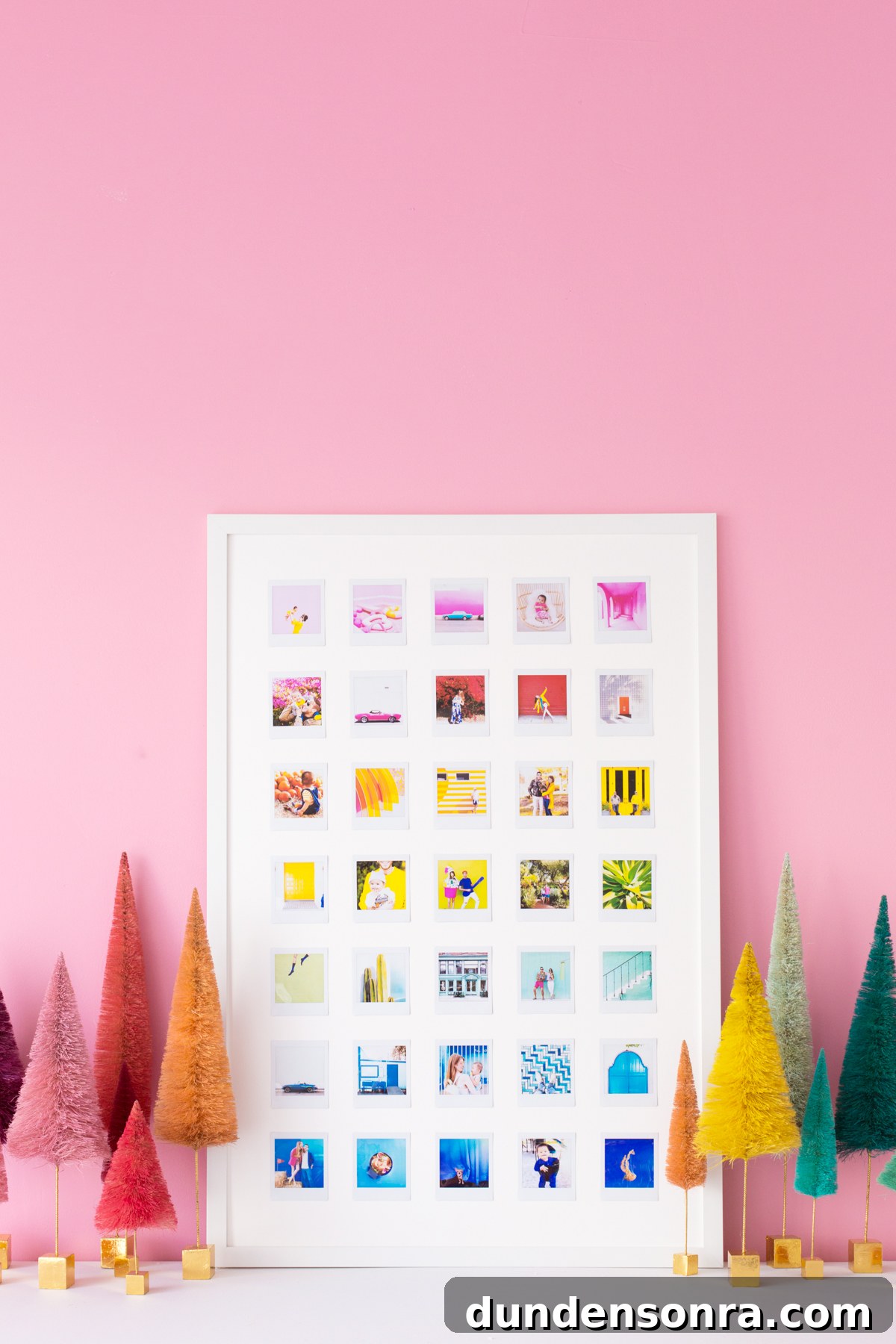
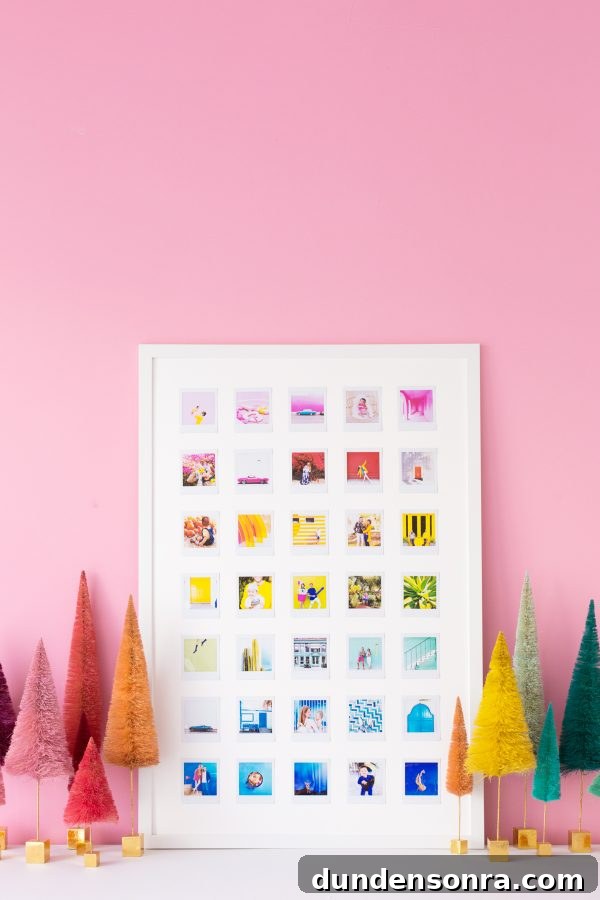
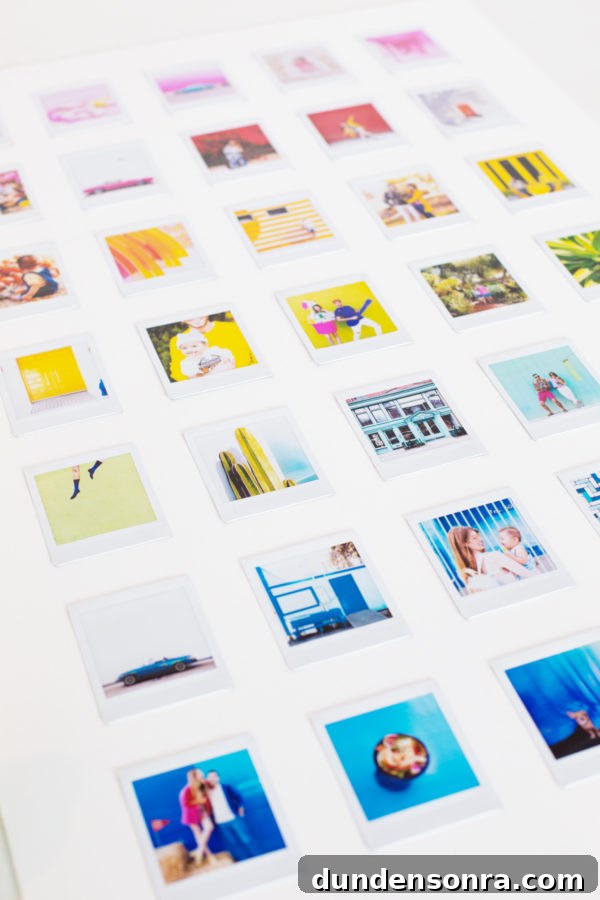
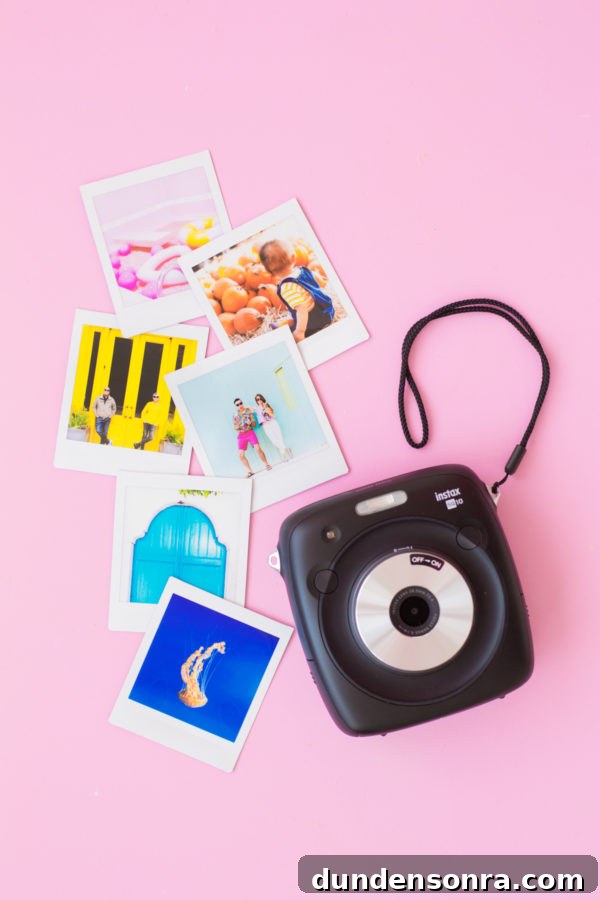
This project started as a gift idea and grew into a year-long creative challenge. I used the FUJIFILM Instax SQUARE SQ10 hybrid instant camera and the FUJIFILM Instax SHARE SP‑3 SQ printer to make a colorful DIY rainbow photo collage. The concept is simple: capture moments in different colors, print them as Instax squares, and arrange them into a vibrant grid. You can focus on one color each month or collect whatever hues you encounter, then assemble the photos into a collage at the end of the year.
Projects like this are a fun way to stay creative throughout the year. Carry your Instax camera or print photos from your phone with the SP‑3 printer, collect a palette of images, and turn those small instant prints into a striking piece of wall art.
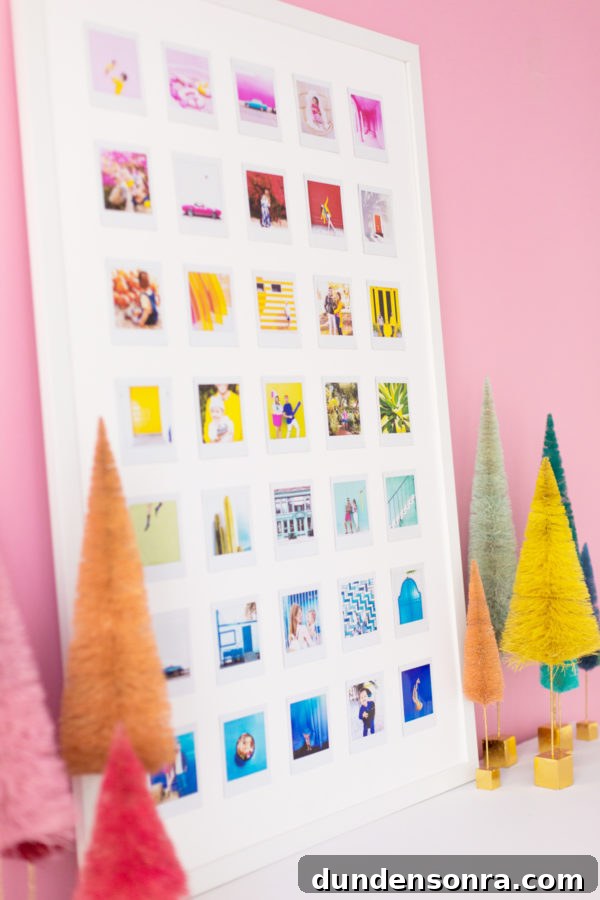
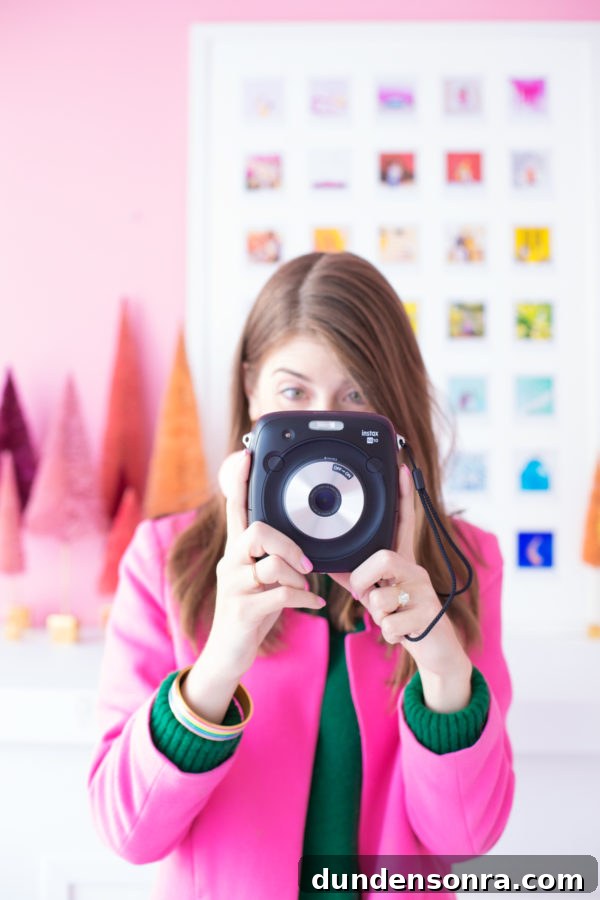
The SQ10 blends digital flexibility with instant prints: you can print photos on the spot, save images to print later, and use built-in editing features to tweak exposure, filters, or framing before you commit to a print. The SP‑3 printer complements the camera by letting you print photos directly from your phone, which makes gathering images for a collage fast and convenient.
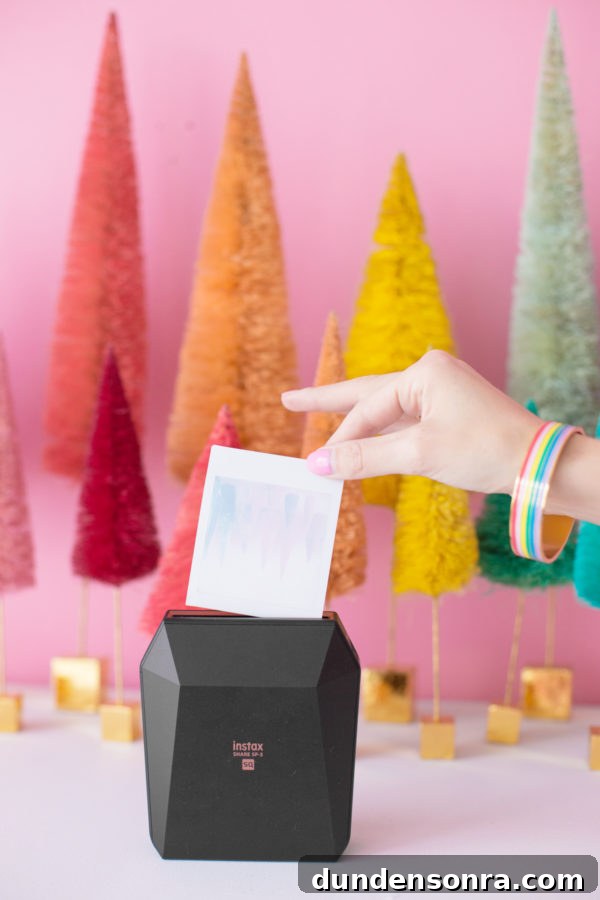
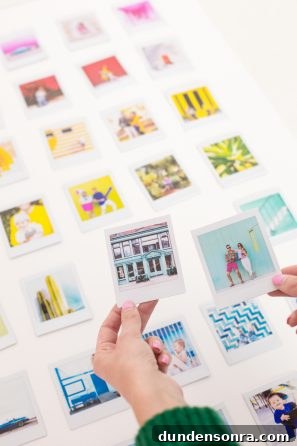
The instructions below explain how to make a 24 x 36″ rainbow photo collage using 35 Instax square prints. Adjust the number of photos and spacing if you want a different size.
DIY Rainbow Photo Collage
Total Time: 1.5–2 Hours
Supplies
FUJIFILM Instax SQUARE SQ10 Camera
FUJIFILM Instax SHARE SP‑3 SQ Printer
FUJIFILM Instax SQUARE Film
35 Instax photos in a variety of colors (for a 24 x 36″ collage)
24 x 36″ frame
24 x 36″ mat board (many framing or craft stores will cut a larger board down for you)
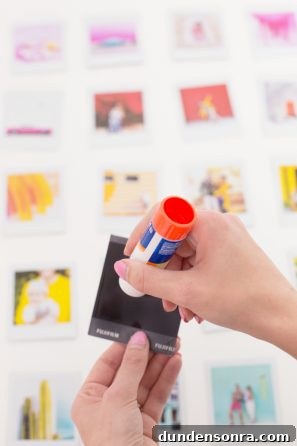
Glue stick
Ruler
Directions
1. Capture and print your photos. For a 24 x 36″ collage like this one you’ll need 35 Instax square prints. For different sizes, scale the number of photos accordingly.
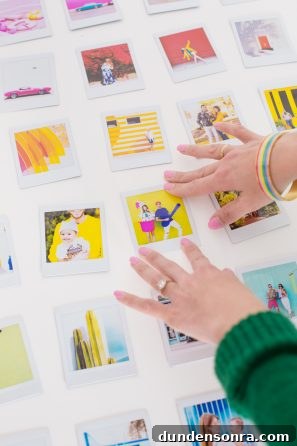
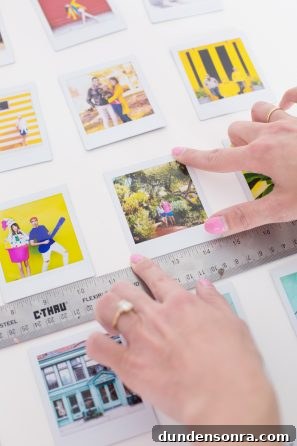
2. Lay out the photos on the mat board and organize them into rainbow rows. Arrange seven rows of five photos each. Try to vary subjects so similar items (people, cars, etc.) aren’t stacked directly above one another; this keeps the eye moving across the collage. Photograph your layout as a reference before you start gluing.
3. Find the center of the mat board by measuring 18″ from the top and 12″ from the side. Glue the center photo (row 4, column 3) first, aligning it with that point.
4. Space all photos 1.25″ apart. Use a ruler to measure and glue one row at a time. Lay the ruler across the mat beneath the glued photo to position the remaining photos in that row consistently.
5. For each subsequent row measure 1.25″ down from the photos above to place the next row, then continue building out the collage until all photos are glued in place.
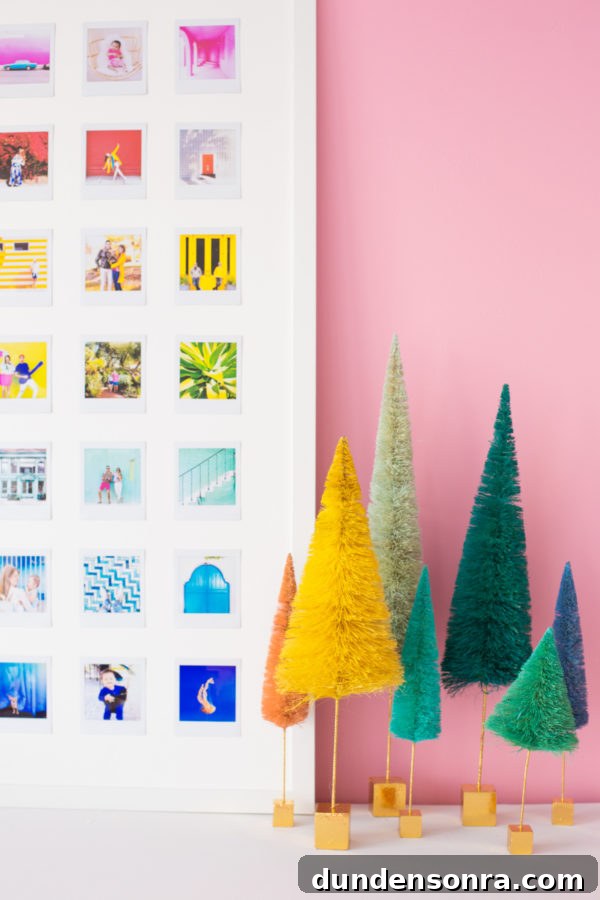
6. Place the completed mat board into the frame and hang or display your finished piece.
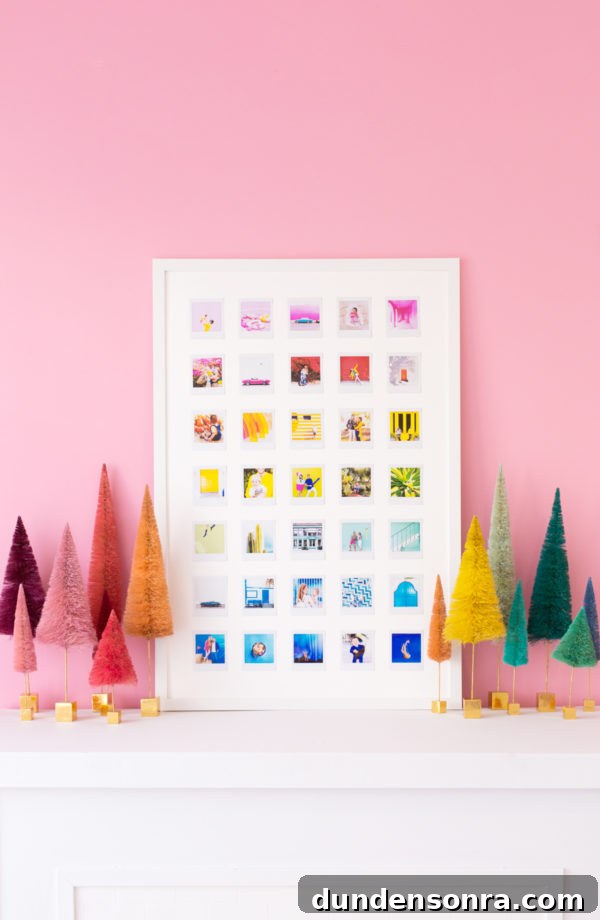
Photos by Jeff Mindell
Isn’t the result cheerful and bold? You could scale this idea up to a larger format, or use a magnetic board so images can be swapped as you collect new photos. It’s an engaging family project to work on throughout the year and a thoughtful handmade gift when complete.
This post was created in partnership with FUJIFILM Instax. All content and opinions are my own. Thank you for supporting the sponsors that keep creative projects like this possible.